Unlock Iconic Style with One Powerful Pattern
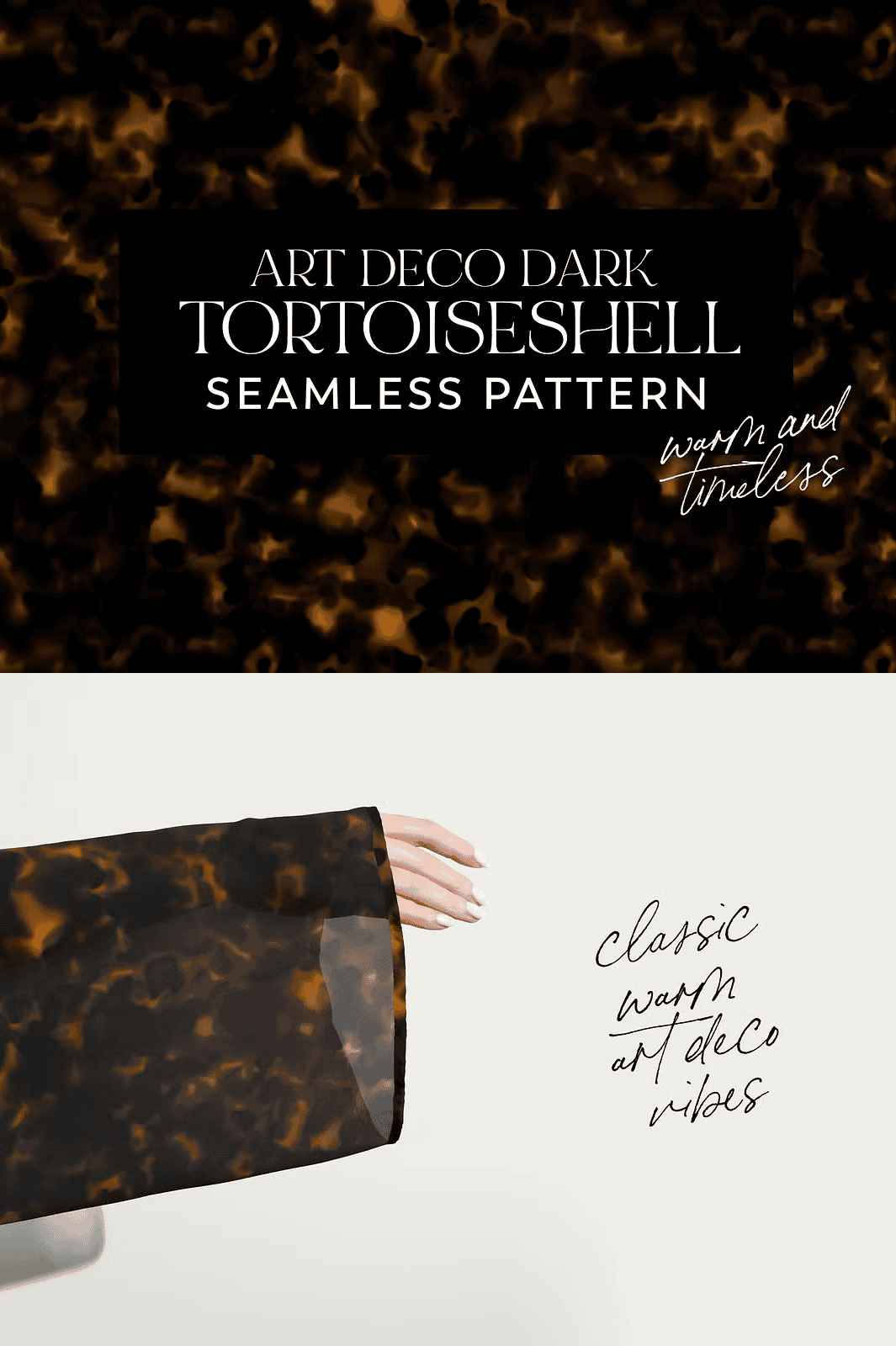
Step into the golden age of glamour. The *Art Deco Dark Tortoiseshell Seamless Pattern* isn’t just a design—it’s a statement. Bold, sophisticated, and timelessly elegant, this premium pattern channels the opulence of 1920s luxury architecture, jewelry, and fashion. Whether you’re defining a luxury brand identity, designing high-end packaging, crafting fashion textiles, or building immersive digital environments, this pattern delivers **instant prestige** and visual impact.
No more settling for generic textures. This is a **purpose-built, ready-to-use asset**—engineered for professional workflows and designed to transform your projects with minimal effort. From the first click to final output, you’re in control.
Masterpiece in Every Detail: What’s Inside the Download
This is not a collection of basic, low-res textures. This is a **complete, production-ready design solution** built with precision and attention to every technical requirement.
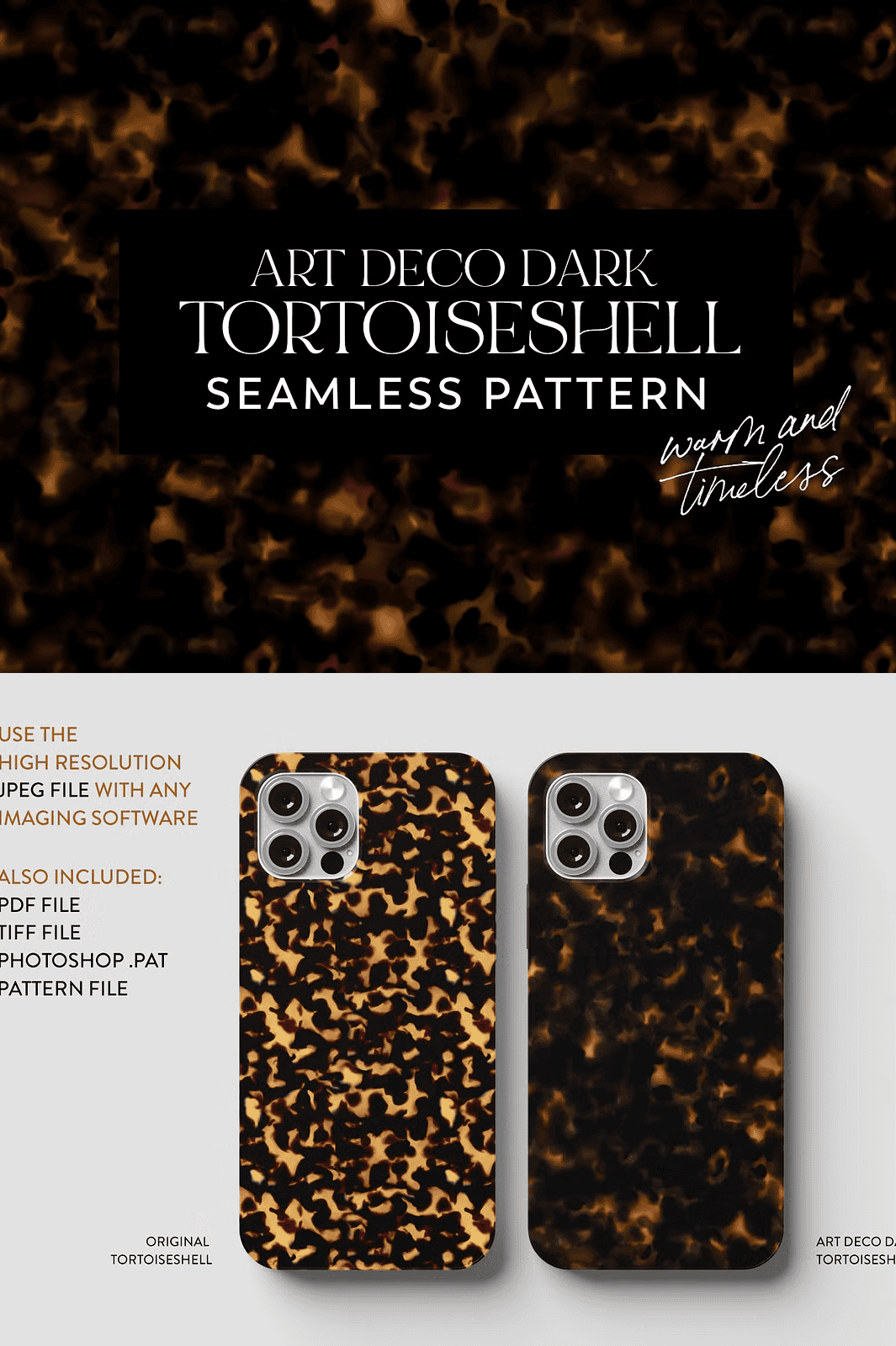
- 1 x Flattened JPEG (300dpi, 4800px x 4800px): High-resolution raster file with seamless tiling. Perfect for digital use, web projects, or any platform that supports standard image formats.
- 1 x Flattened PDF (300dpi, 4800px x 4800px): Print-optimized vector-based PDF with exact pixel dimensions. Ideal for professional print workflows, client presentations, and high-fidelity output.
- 1 x Flattened TIFF (300dpi, 4800px x 4800px): Lossless, high-color-depth file ideal for advanced design editing and archival-quality projects.
- 1 x Flattened PSD (300dpi, 4800px x 4800px): Fully layered Photoshop file (if applicable) for flexibility in design adjustments, compositing, or further editing.
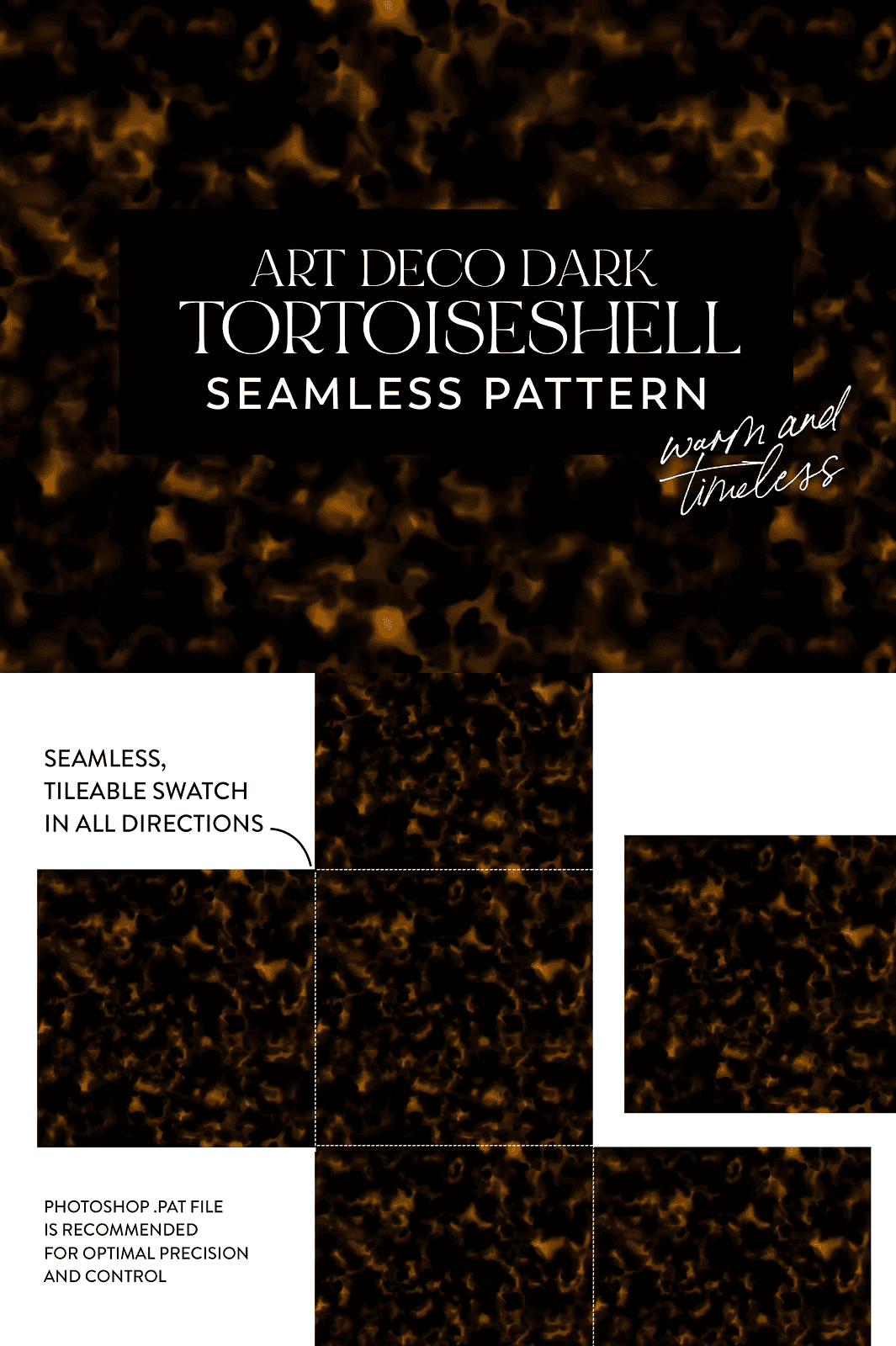
- 1 x Photoshop .PAT Pattern File: The secret weapon. Import this single file directly into Photoshop’s Pattern Library. Use it with any tool—Shape, Brush, Fill, or Layer Style. The pattern tiles perfectly, instantly.
- All files in a single ZIP (78.8MB): Organized, clean, and ready to deploy. No unpacking confusion. Just extract and use.
Instant Integration—Zero Frustration
Using this pattern isn’t complicated. It’s **effortless and precise**, even for beginners.
How to Use the Photoshop .PAT File (Step-by-Step):
- Open Adobe Photoshop and create a new document.
- Go to Window > Patterns to open the Patterns panel.
- Click the small hamburger menu (☰) in the top-right corner of the panel.
- Select Import Patterns.
- Navigate to the downloaded Art-Deco-Dark-Tortoiseshell.pat file and click Open.
- Now you’ll see the pattern in your library.
- Go to Edit > Fill, choose Pattern, and select Art Deco Dark Tortoiseshell.
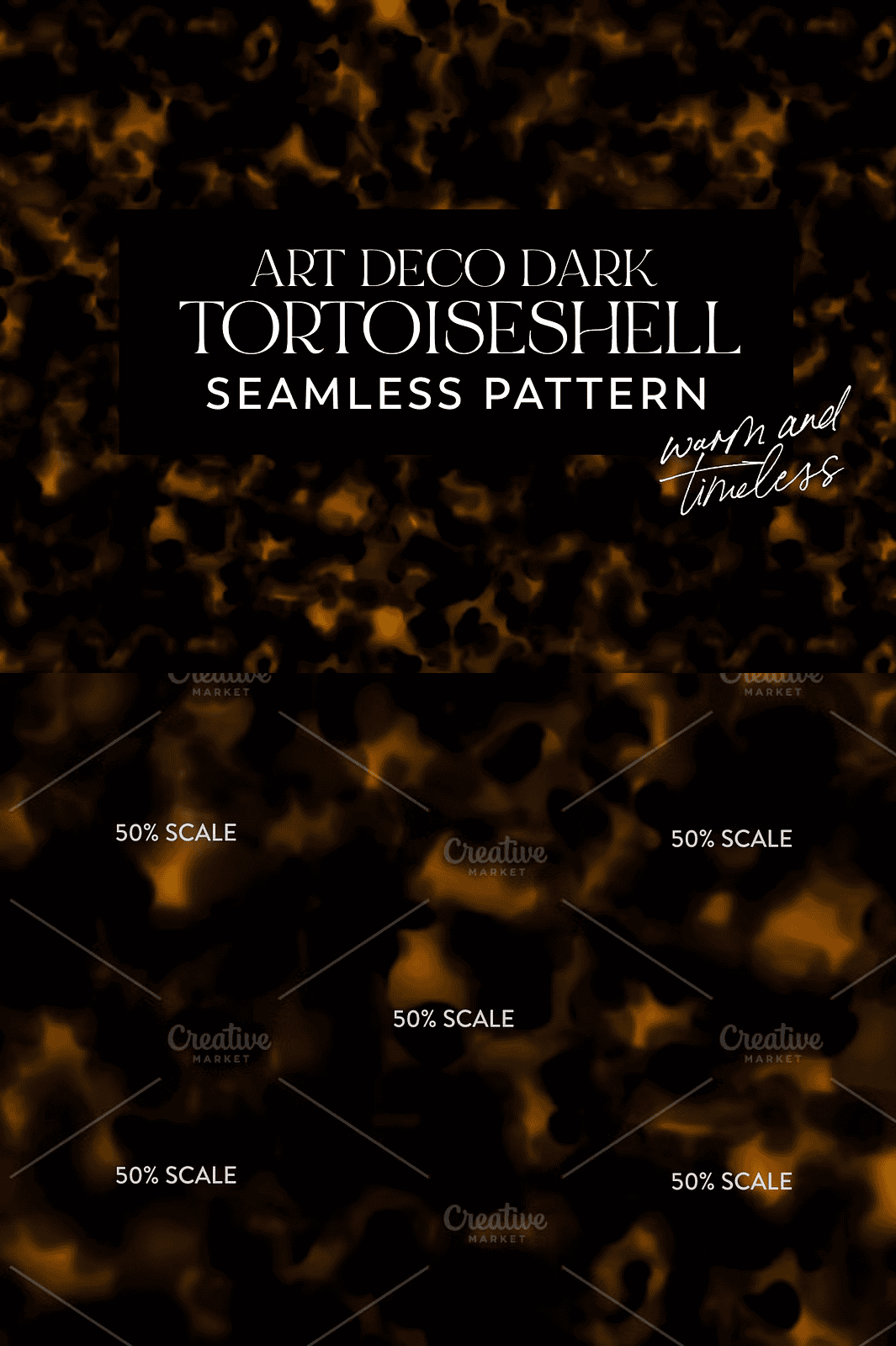
- Adjust scale, rotation, or blending mode as needed. Click OK.
Boom. Instant high-end texture. No manual tiling. No background mistakes. Just **professional results in seconds**.
Why Designers Rely on This Pattern
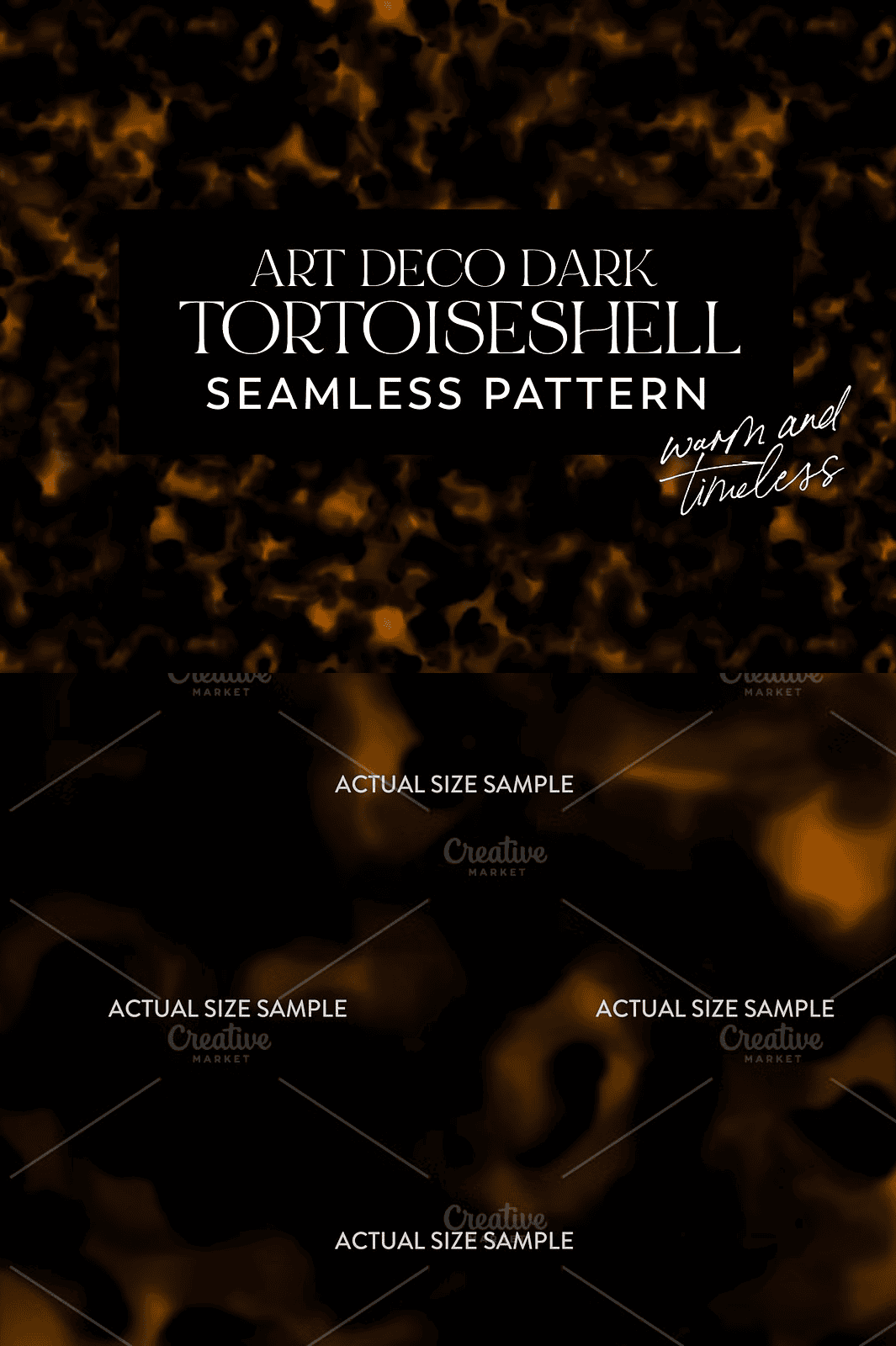
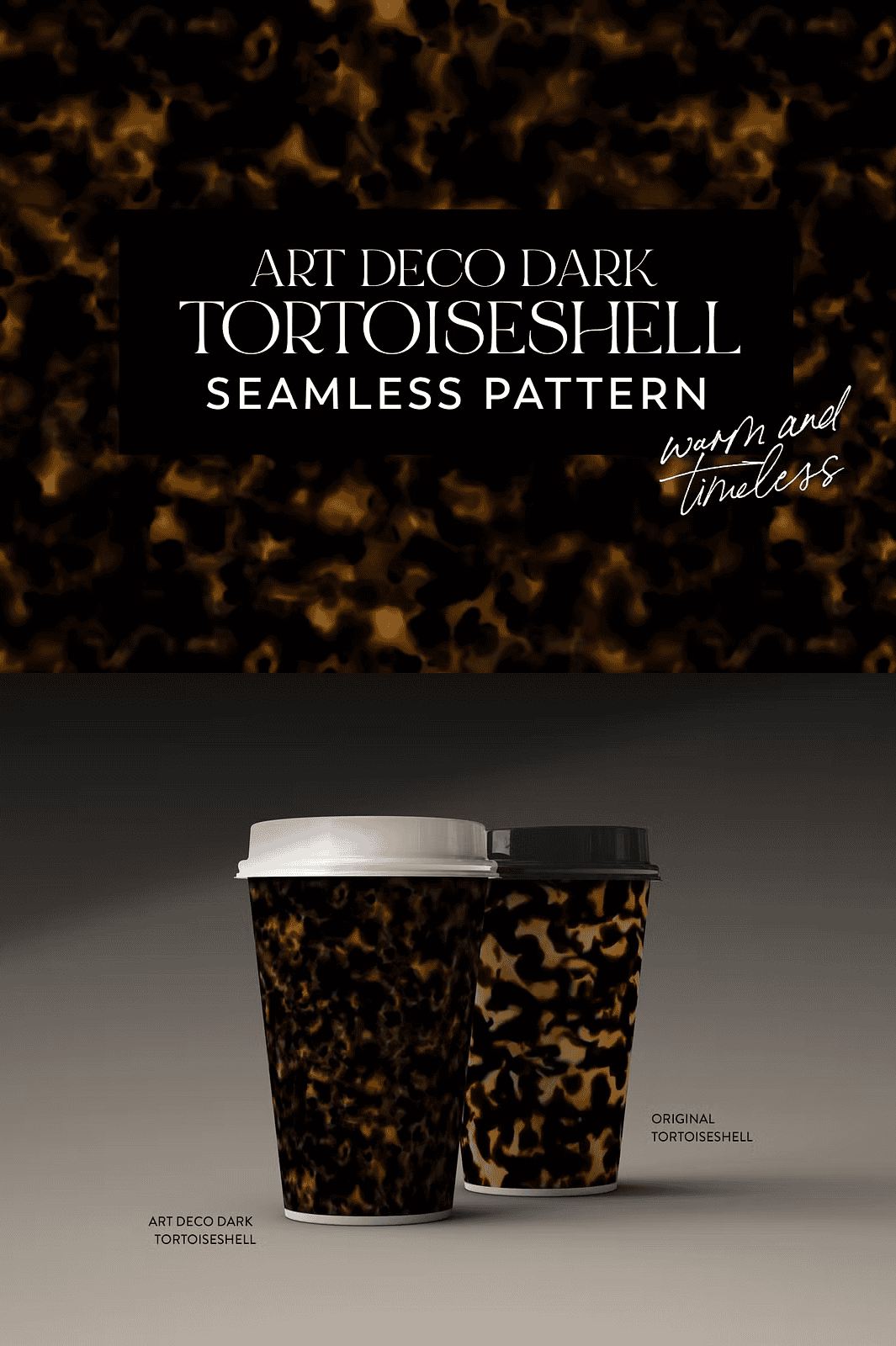
This pattern stands apart because it’s not just *a* tortoiseshell—it’s the *ideal* version. The dark, rich tones blend deep warmth with sharp contrast, giving a luxurious depth that modern designs often lack. The repeat is seamless, the grain is consistent, and the color depth is film-quality.
It’s perfect for:
– Luxury packaging and brand design
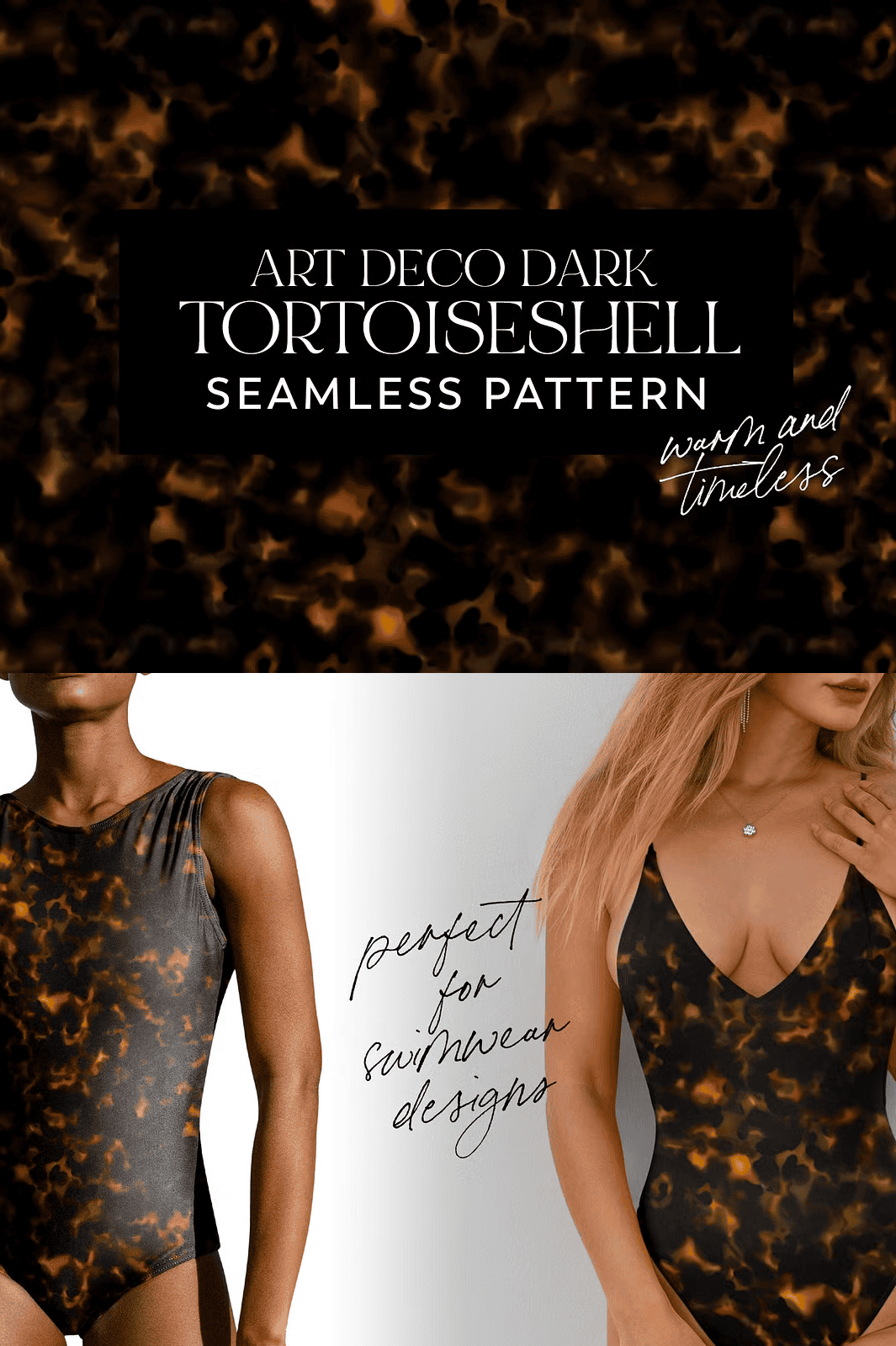
– High-fashion textile patterns
– Wallpaper and interior design mockups
– Digital art, web headers, and presentation backgrounds
– Premium stationery and editorial layouts
Own the Look. Own the Moment.
Don’t just mimic trends—**define them**. The Art Deco Dark Tortoiseshell Pattern is not a trend to follow. It’s a legacy to build on. Use it once, and you’ll never look back.
Get Your Pattern Today—No Waiting, No Compromise
This is your moment. The tools are ready. The style is timeless. The work? Done.